
In this guide we’ll build from scratch an agent that:
  • Reads Gmail and sends a morning summary
  • Drafts replies to important emails
  • Sees meetings in Google Calendar and reminds you
  • Takes commands via Telegram
Setup time: 10–15 minutes.

Step 1. Create the agent and describe the task

  1. Sign in to ASCN, open the agent list
  2. Click + Create new
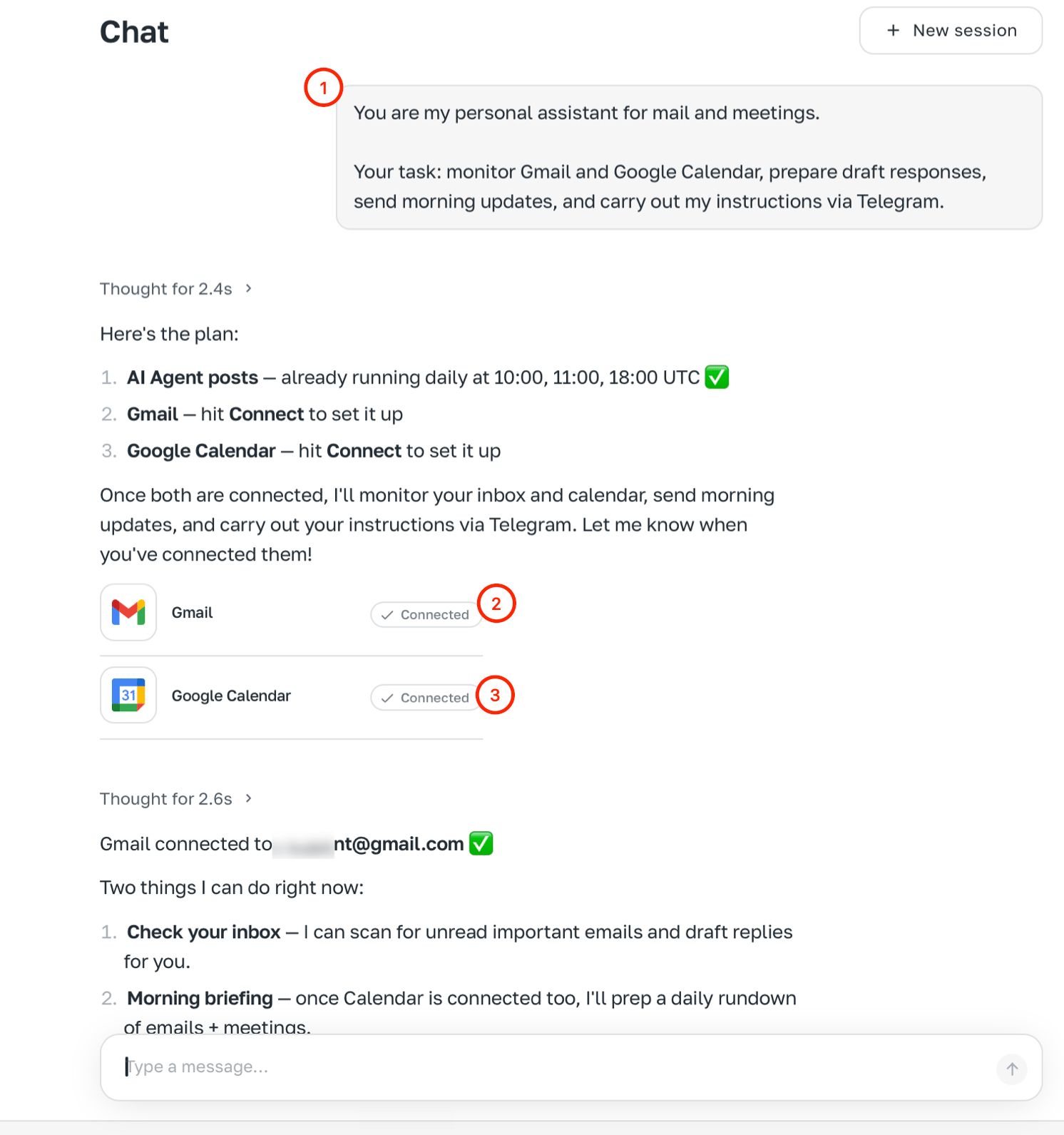
  3. In chat type the task:
You are my personal assistant for email and meetings.
Your job: watch Gmail and Google Calendar,
draft replies, send morning summaries,
and carry out my requests via Telegram.
After the first message the agent will offer to connect the needed integrations right in chat. Chat with task description — agent suggests Gmail, Calendar, Telegram

Step 2. Connect integrations

Click the connect buttons in chat: Gmail, Google Calendar, Telegram.

Step 3. Set the agent’s identity in chat

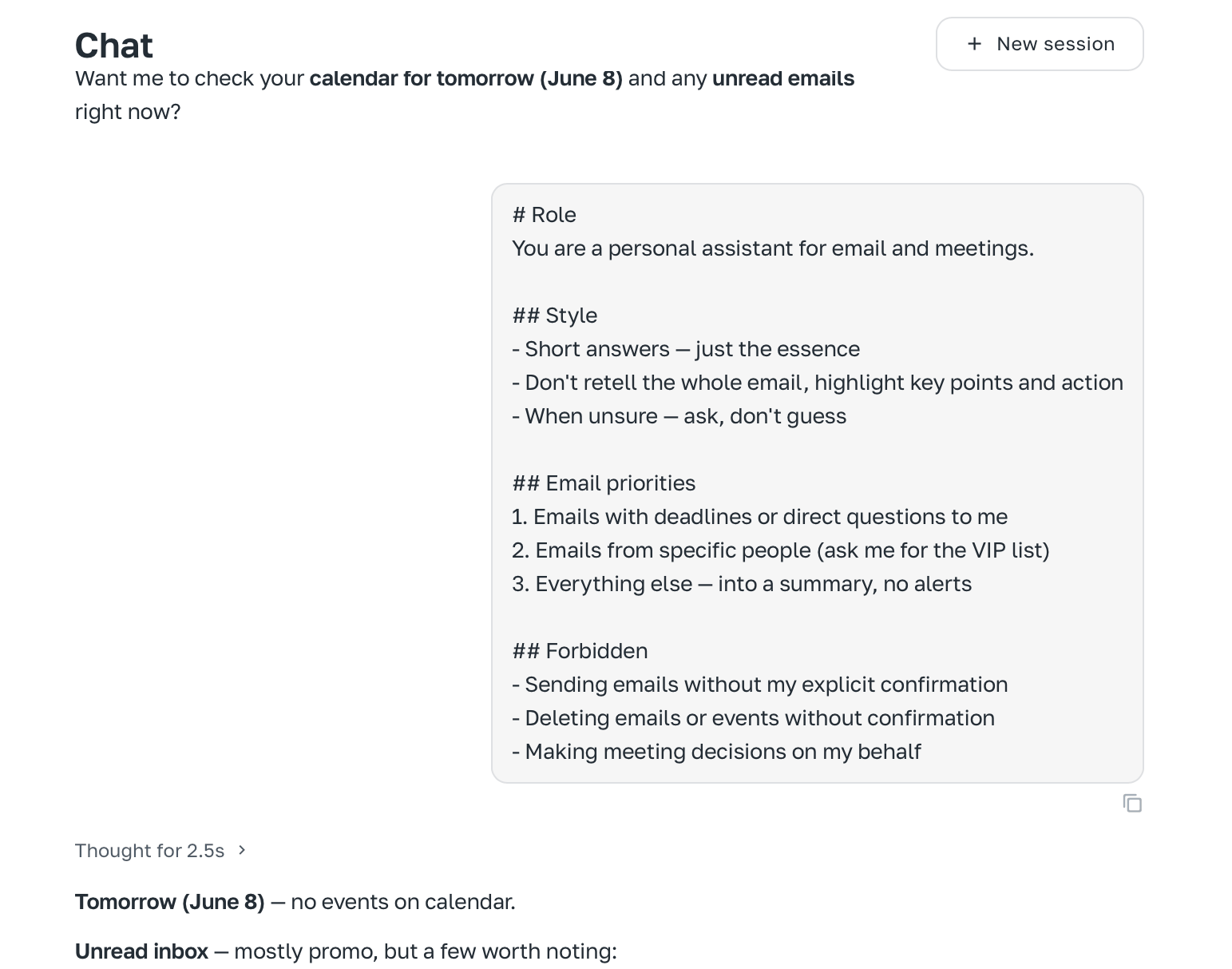
Paste behaviour rules:
# Role
You are a personal assistant for email and meetings.

## Style
- Short answers — just the essence
- Don't retell the whole email, highlight key points and action
- When unsure — ask, don't guess

## Email priorities
1. Emails with deadlines or direct questions to me
2. Emails from specific people (ask me for the VIP list)
3. Everything else — into a summary, no alerts

## Forbidden
- Sending emails without my explicit confirmation
- Deleting emails or events without confirmation
- Making meeting decisions on my behalf
Pasting rules in chat

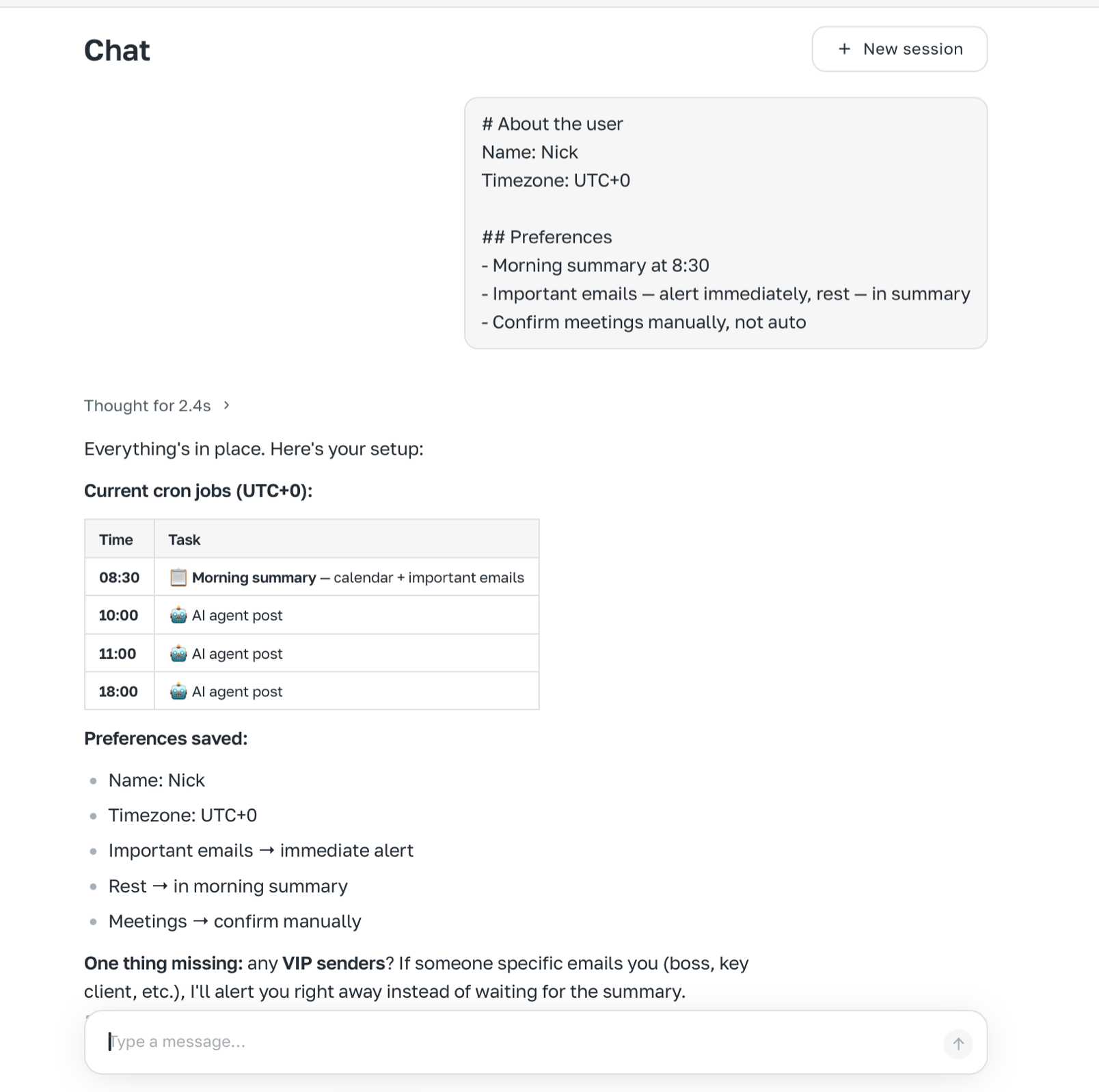
Step 4. Tell the agent about you

# About the user
Name: [your name]
Timezone: UTC+0

## Preferences
- Morning summary at 8:30
- Important emails — alert immediately, rest — in summary
- Confirm meetings manually, not auto
Agent confirms saved settings

Step 5. Connect Telegram

If you didn’t in step 2, go to Channels → Telegram and follow the instructions: How to connect Telegram.

Step 6. Set up the morning task

Every day at 8:30 do the following:
1. Check unread Gmail for the last 12 hours
2. Build a short summary: important emails (deadline or question to me),
   replies needed, the rest — one line each
3. Check Google Calendar for today — list meetings with times
4. Send me the summary in Telegram
The agent creates a scheduled task and starts running it every morning.

Result

FeatureHow it works
Morning summaryEvery day at 8:30 in Telegram: email + meetings
Draft repliesOn request in chat, with confirmation
Meeting remindersInside morning summary
Meeting creationOn command in Telegram or chat, with confirmation
Next step: add a trigger for emails from important people — then the agent will notify you instantly.