

When you need secrets
When connecting your own APIs or services that need auth keys. For example:- An API key for a third-party service
- A token for a corporate Slack
- Webhook keys
Standard connectors (Gmail, Google Calendar, Slack) authorize via OAuth — you don’t need secrets for them.
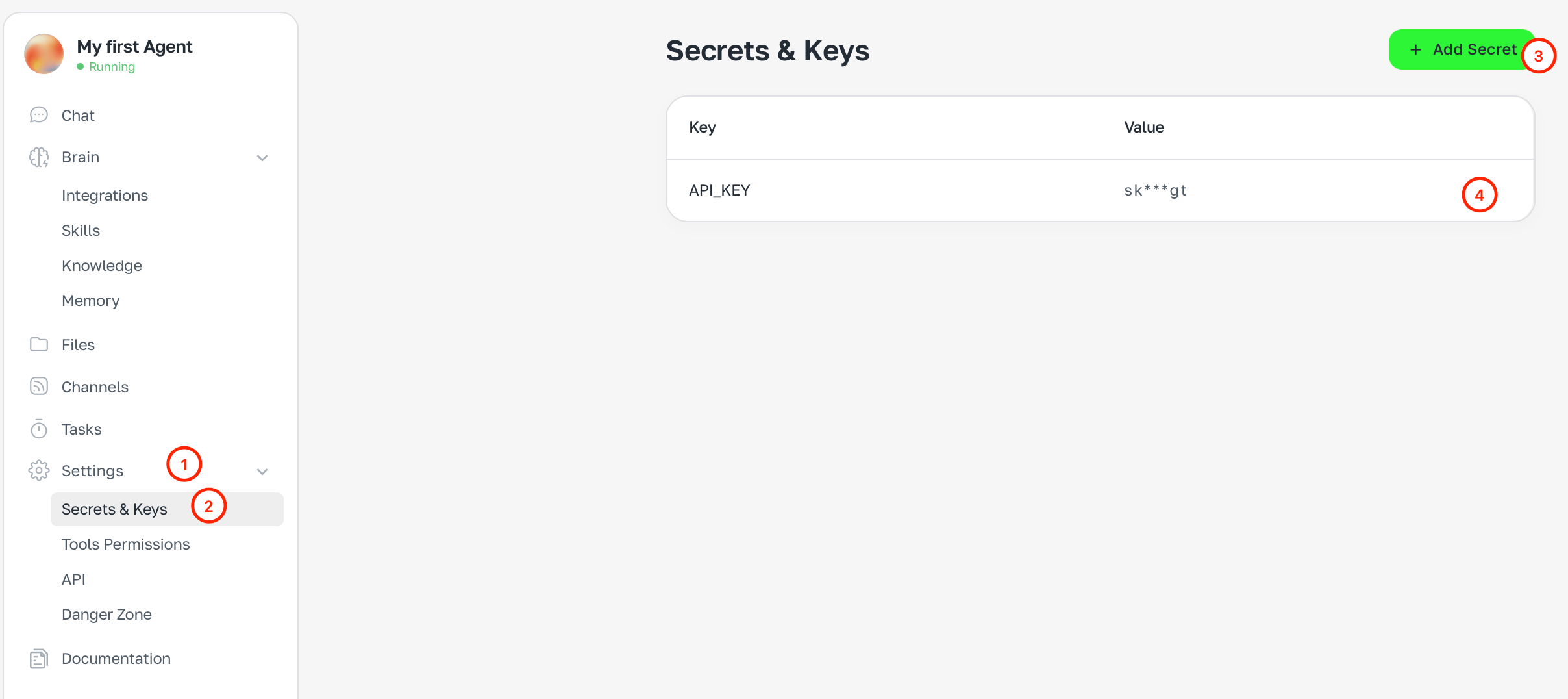
How to add a secret
- Open Settings → Secrets and keys
- Click + Add secret
- Enter the name (e.g.
API_KEY) and value - Save
Security
- Secret values are encrypted and not shown after save
- Secrets don’t end up in chat history or logs
- You can delete a secret at any time